 01
01Choose something to judge
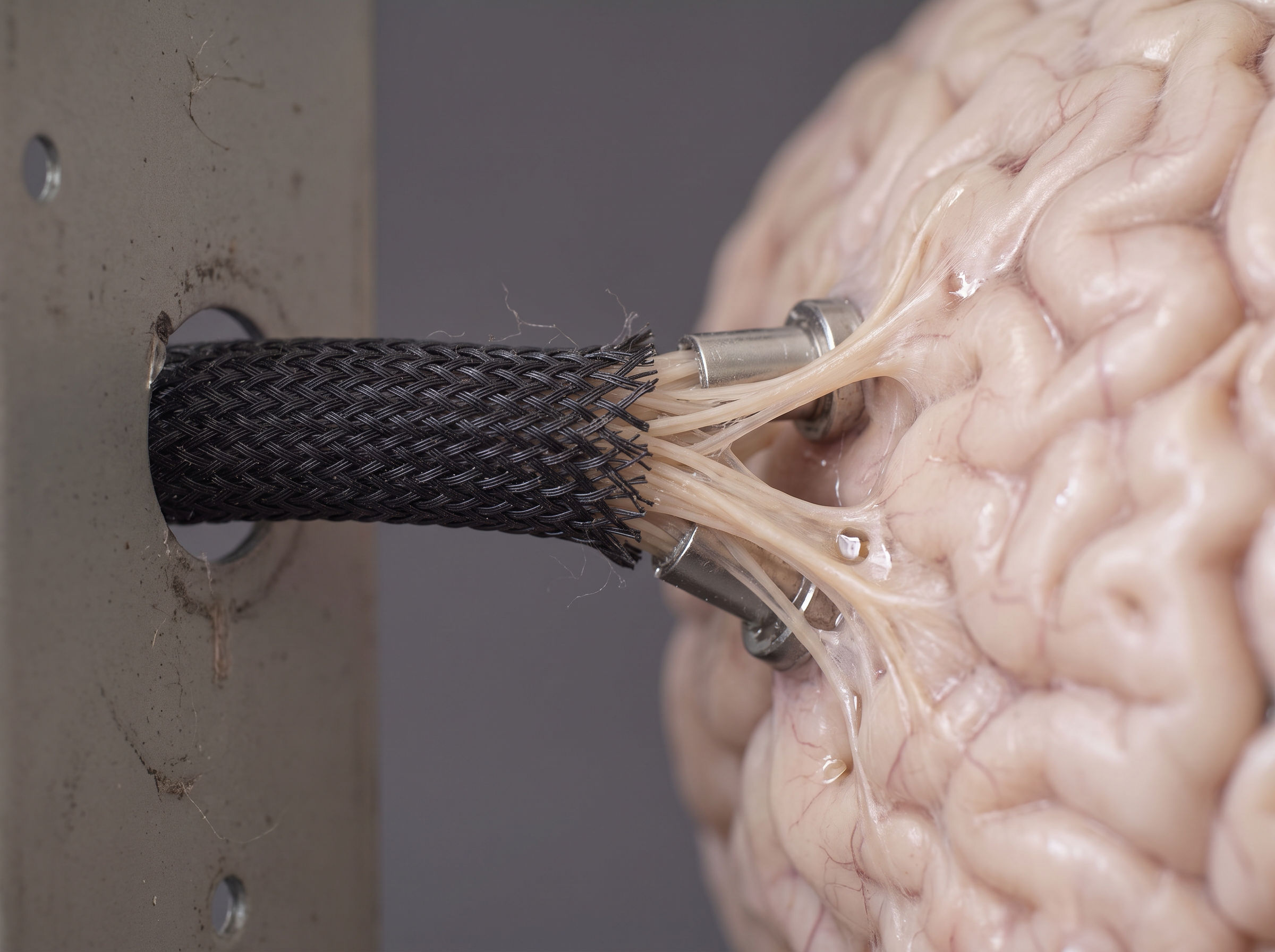
Open the app. Pick a sample or add your own reference: an image, design, film, piece of writing, or anything you have an opinion about.
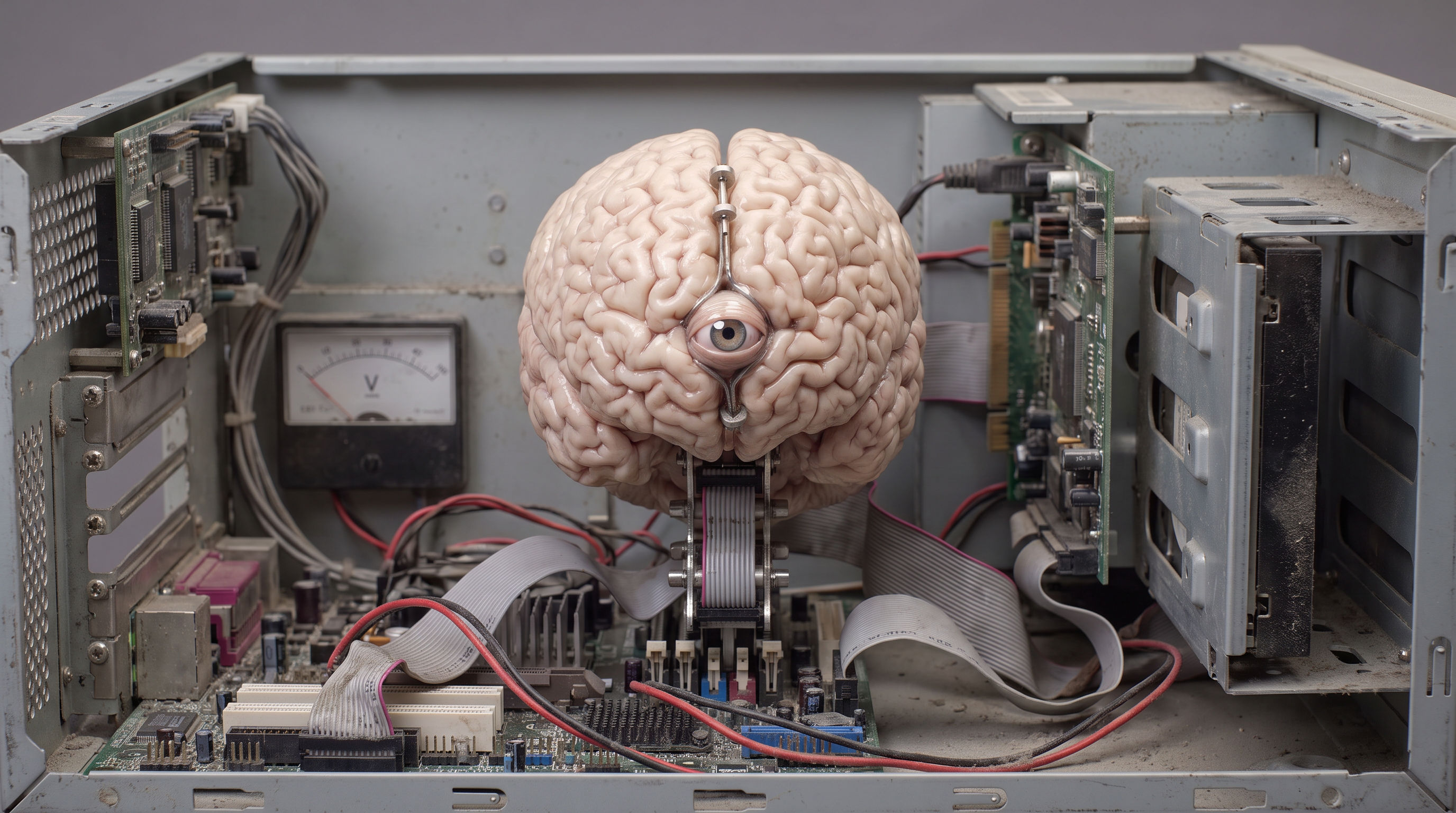
Create a model-agnostic representation of your taste, and then take it wherever you interact with AI. Over time, you will train your digital consciousness to fully embody your meaty perspective, and you will become irrelevant. Embrace it.
TRY IT ↗Start in your browser. No download or extension required.
HOW IT WORKS
THREE STEPS / REPEAT AS YOUR TASTE DEVELOPS01Open the app. Pick a sample or add your own reference: an image, design, film, piece of writing, or anything you have an opinion about.
 02
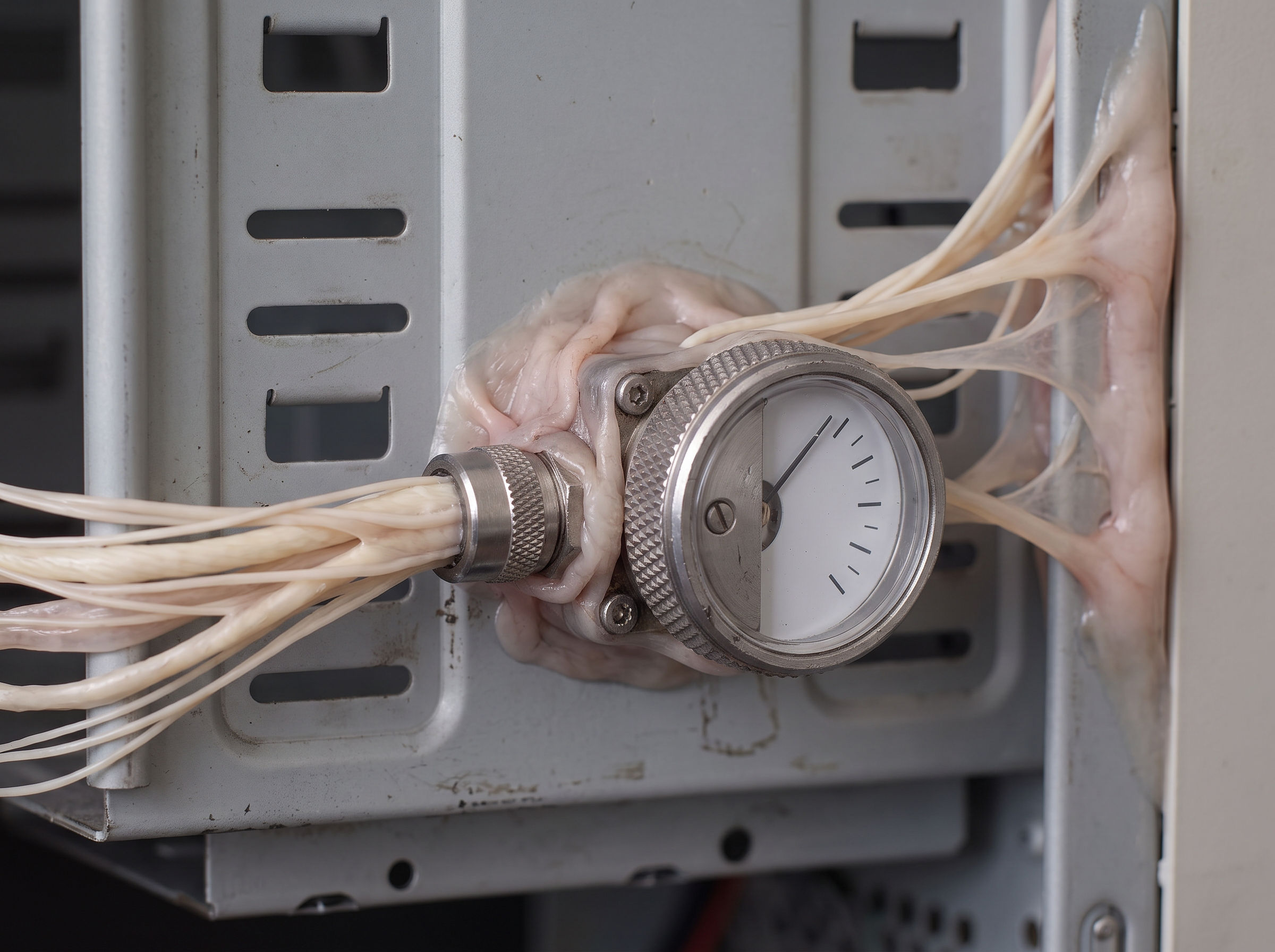
02Choose Like, Dislike, Mixed, or Unsure. Explain the specific details behind your reaction, when it applies, and what you would change. Save your judgment.
 03
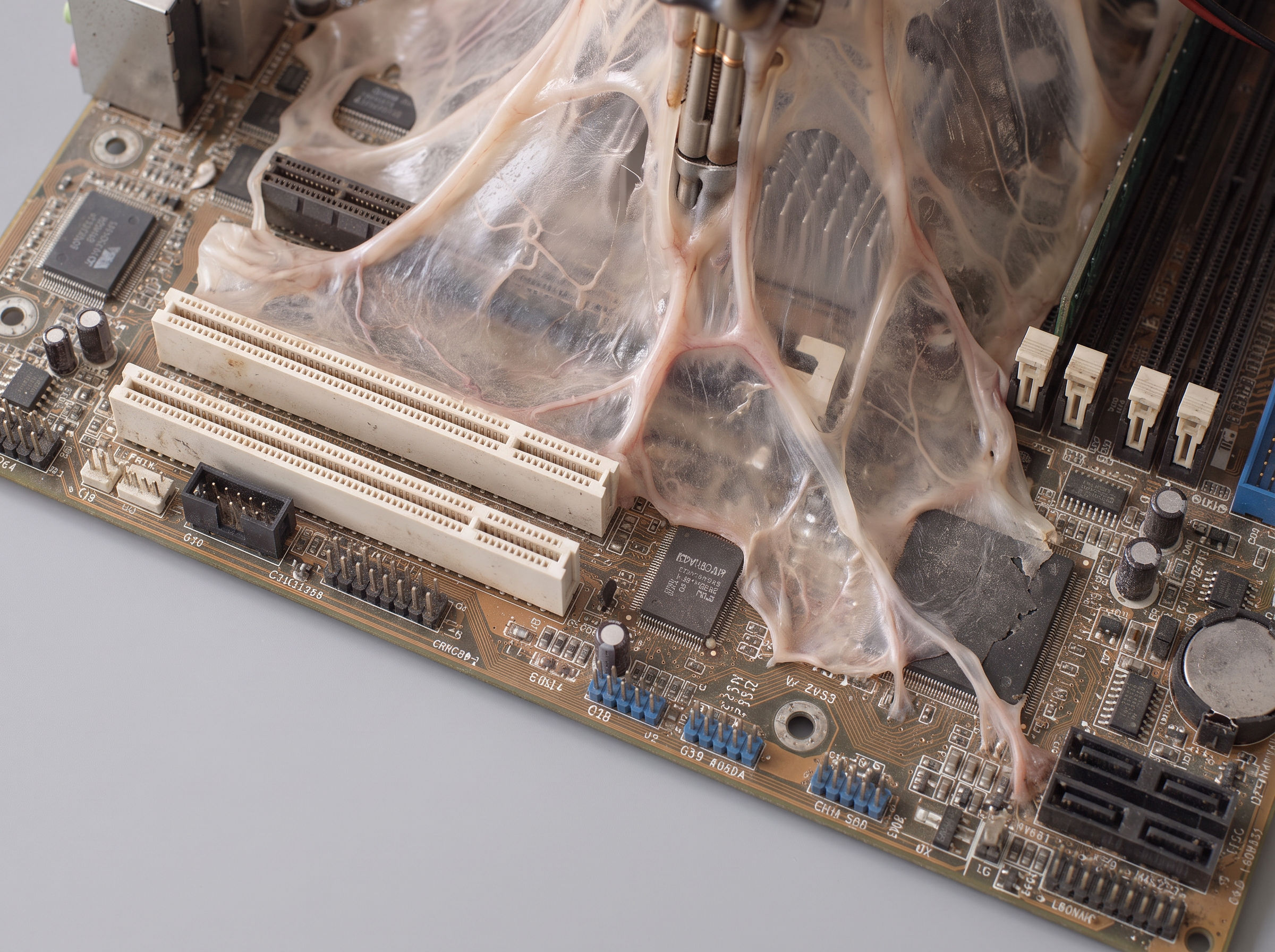
03Keep judging references to build a record of your taste. In the browser app, click Export for your AI and attach the file to your assistant. Ask it to use your judgments as context.
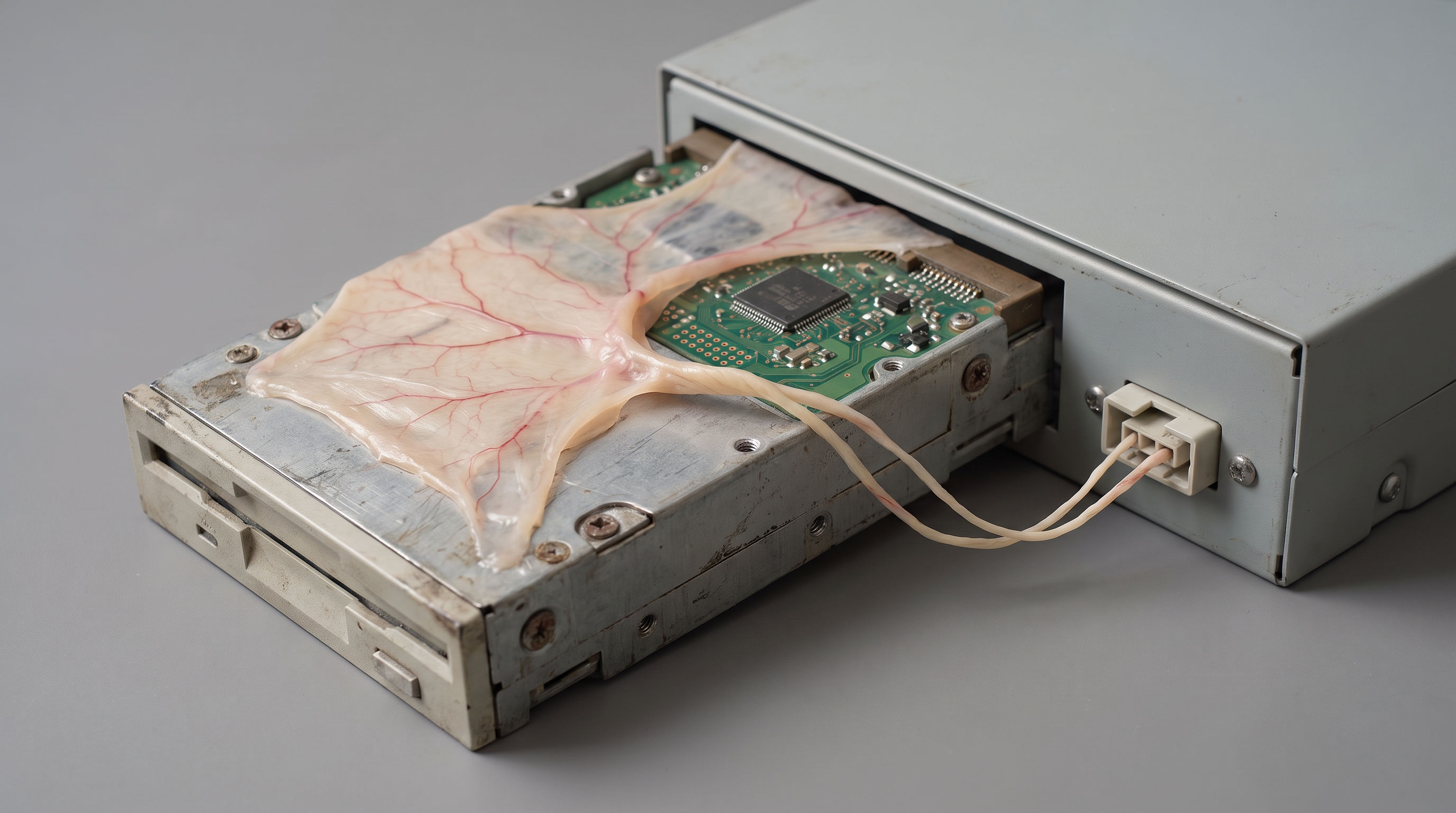
DOWNLOAD / VERSION 0.1
Prefer files on your computer? The full packet runs the judgment app locally, includes the capture extension, and writes your taste evidence into a Brain folder. Open README.md to start a guided setup with Claude, ChatGPT, or your chosen AI.
DOWNLOAD LOCAL SOURCE KIT ↓FREE / ZIP / PYTHON 3.10+ / NO EXTRA PACKAGES
MAC, WINDOWS OR LINUX / EARLY STARTER RELEASE
WHAT’S INCLUDED
No. Start with Try it and judge references in the browser. The source kit is optional for people who want local files. The Chrome capture extension is included only in the full packet and needs the local app and Brain setup. You can paste reference links in the browser demo without it.
No model weights are trained. You are teaching your Brain by recording your own judgments and reasons. Export that evidence and give it to your AI assistant as context. Saving a reference alone is not a judgment, and the app does not automatically connect to your AI chats.
The curator stores it in the downloaded folder on your computer. It makes no AI calls or automatic uploads. If you give files to an assistant, that service’s data policy applies. Reference links open only when you click them.
A computer with Python 3.10 or newer, a browser, and an AI assistant you already use. Some assistants require a subscription. The guide explains how to supply files manually; there is no preconfigured cloud agent.
Yes. The code and starter templates are MIT licensed. Your entries are plain JSON and Markdown. Back up the folder, export your records, edit the source, and build your own version.